Pages

Showing posts with label color correcting. Show all posts

Wednesday, 4 September 2013

Editing Garden Art 2

The First thing i wanted to do was to create a cut out logo with video behind for this project. i tried various way such as using text mask in after effects which i learned how to do from this video: http://tv.adobe.com/watch/short-and-suite/making-text-masks-in-after-effects/
But after trying that i felt that the text wasn't as crisp as i would have liked so i decided to chroma key the text out and place the text on the layer on top of the video. (i created the text in photoshop to make colour keying easier).
Below are 3 different logos i tried.
Screen Shot 2013-09-02 at 13.31.10 Screen Shot 2013-09-02 at 12.17.13 Screen Shot 2013-09-02 at 13.26.16


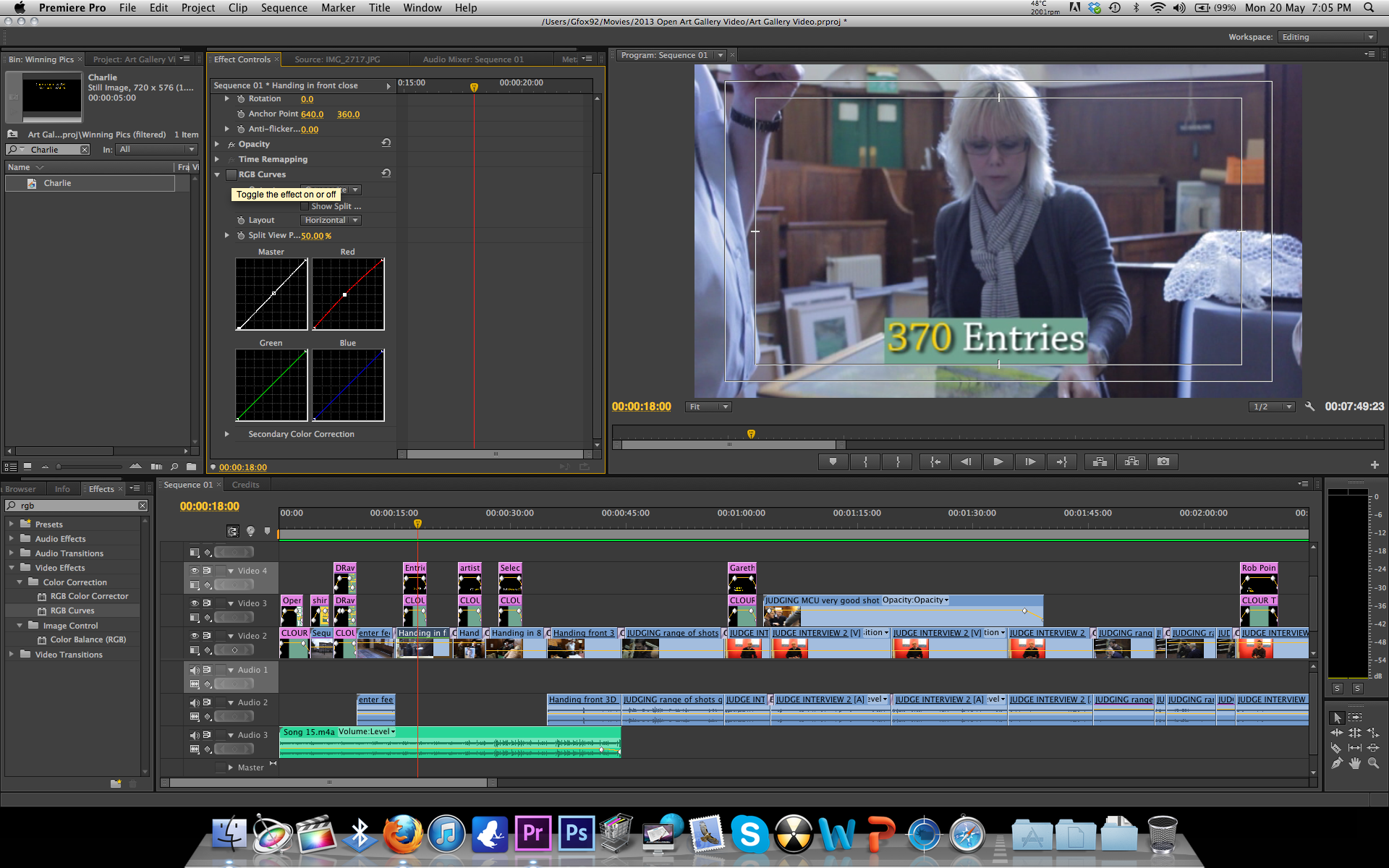
The next thing i did was to colour correct the video using RGB curves. i like to colour correct using RGB curves as i feel i have more control over the colours. This meant i could make the sky bluer and the trees greener making them stand out more and look more clear as can be seen in the pictures below.

Screen Shot 2013-09-02 at 12.17.17 Screen Shot 2013-09-02 at 12.17.06 Screen Shot 2013-09-02 at 12.43.06 Screen Shot 2013-09-02 at 12.43.08 Screen Shot 2013-09-02 at 12.43.21 Screen Shot 2013-09-02 at 12.46.29 Screen Shot 2013-09-02 at 12.46.31


After completing the colour correction i then re watched the video changing a few minor parts and then exported and uploaded the video which you can see in a previous post.

Sunday, 2 June 2013

Editing/Colour Correcting Elite Training Video

I've found that as this video was filmed in a garage with no additional lighting the natural light combined with the florescent bulbs give everything a blue tint.
To correct this i have combined levels with RGB curves in Adobe Premiere Pro, adjusting the brightness and the blue levels of the clips.
This makes the clips look a lot more natural and makes the images seem sharper and clearer.

Before

Screen shot 2013-06-02 at 11.57.26

After

Screen shot 2013-06-02 at 11.57.29

Saturday, 25 May 2013

Colour Correcting Open Art Stills

I decided that the still images i had used in the open art video were a little bit dull. so rather than editing them in photoshop which i felt would be time consuming and would have the same effect of colour correcting in premiere. I used RGB curves, i upped the brightness and took down the green colouring as the back ground was a yellow colour, this made the pictures stand out from the background.

Before

Screen shot 2013-05-25 at 11.14.56

After

Screen shot 2013-05-25 at 11.14.51

BeforeScreen shot 2013-05-25 at 11.15.25

AfterScreen shot 2013-05-25 at 11.15.07

I feel that the pictures are a lot brighter and alot easier on the eye when colour corrected.

Editing Over Exposed Background objects

Right this might seem like a bit of a bodge-job but it worked.
i had a shot that was fine in colour and lighting but was devalued by over exposed white boards in the back of the shot. i tried adjusting the brightness of the clip and colour correcting the clip both of which effected the subjects in the foreground to much making the clip look dull and lifeless.
i then decided that i would overlay the video with itself on the adobe timeline twice, i then cropped out everything except the board to the left applied the tool RGB Curves and adjusted the brightness and colours untill the board was no longer over exposed. i then repeated this technique for the second board.
Below you can see the before and after images. This technique worked for me as the moving foreground images did not at any point in the video cross the overexposed background image if they had i would have not been able to use this technique.

Before

 Screen shot 2013-05-21 at 11.31.16

After

Screen shot 2013-05-21 at 11.31.12

Before

Screen shot 2013-05-21 at 12.28.48

After

Screen shot 2013-05-21 at 12.29.03

Tuesday, 21 May 2013

Colour Correcting Open Art

Finished Editing the open art video for the Shire Hall Gallery in Stafford.
I Finished off by colour correcting the video making all shots look very natural as can be seen below.

Before

 Screen shot 2013-05-20 at 19.05.51

After

Screen shot 2013-05-20 at 19.05.54

Saturday, 11 May 2013

Filming Drama

Yesterday i filmed the last scene for my drama.
Filming was a success as i got all the footage i needed quickly and efficiently.
I used my Gopro camera again for Point of view shots something that it is perfect for.
i also played about with pulling focus during shots, this is something that i have been cautious of doing before as i have been worried of messing it up but after a couple of attempts i succeeded with the shot which i am very pleased about.
since then i have edited all the footage together. i had a few minor issues with sound which i sorted through splicing together bits of sound from other clips. i then colour corrected the entire project, some shots were very dark but through some minor adjustments the problem was sorted.
Before
Screen shot 2013-05-09 at 22.26.15
After Screen shot 2013-05-09 at 22.26.19